
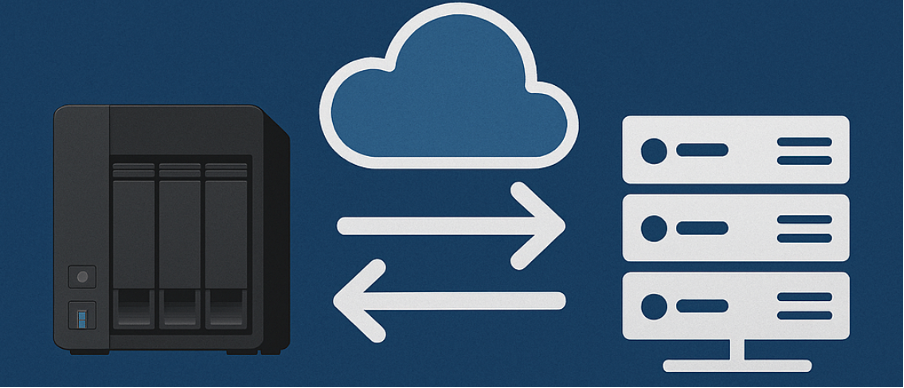
Recently, I had to work on a requirement that involved moving unstructured NAS backups from one object storage repository to another. Unlike VM backups, which have a built-in move option powered by VeeaMover, unstructured data does not offer such functionality. This blog post aims to share the workaround we managed to implement. As with any other post on this blog, please ensure you perform your own testing before attempting this in a production environment.
Initial Setting
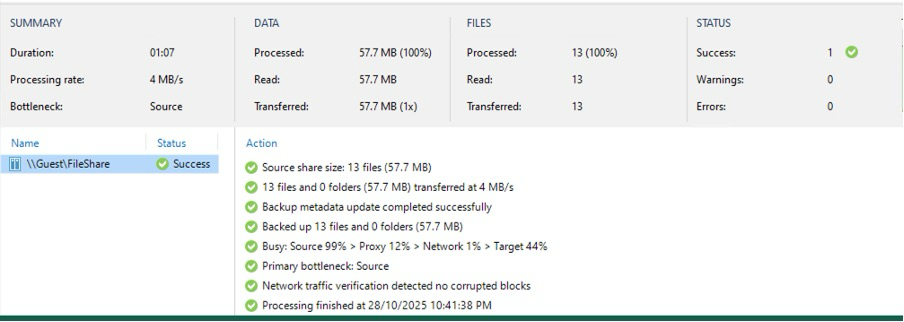
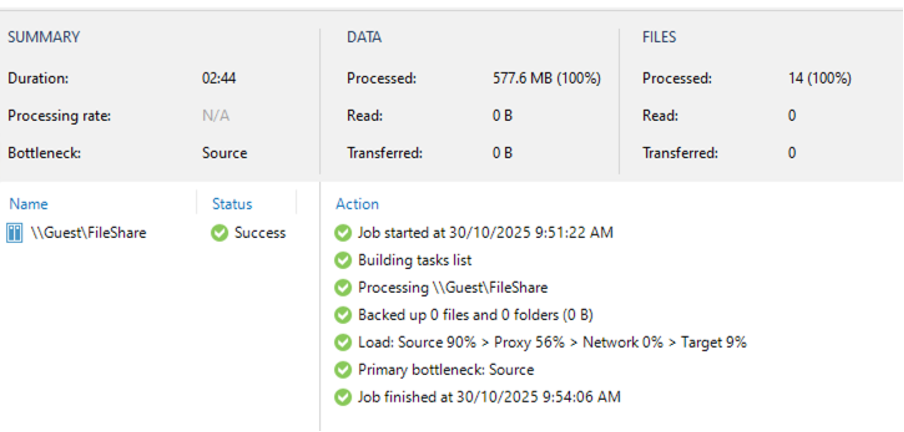
I set up a file share in my lab as an SMB share containing a collection of files and configured it to point to Wasabi. Once that was done, I initiated the first full backup, and you can see how many files were transferred in the job statistics below.
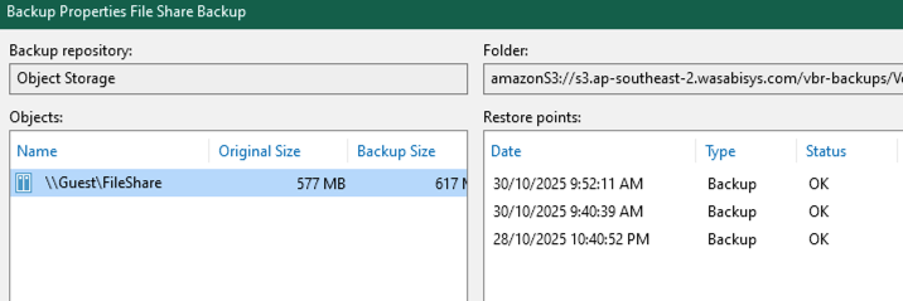
To create additional restore points, I added one more file to the same share and ran an incremental backup, then reran the job once again so that I now have a total of three restore points.
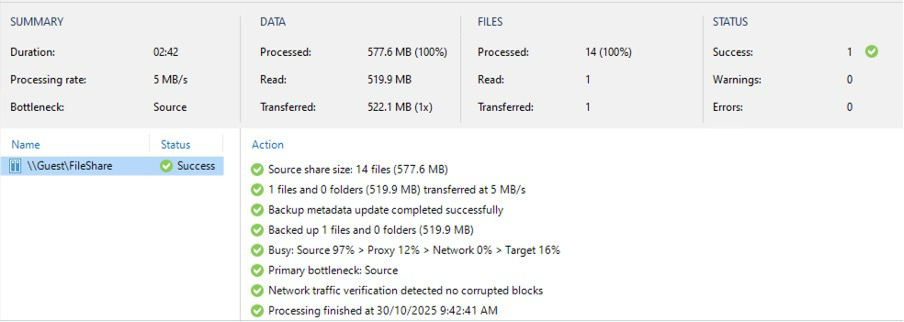
Now I have the job created its time to migrate it to the new object storage.
Unmapping the restore points
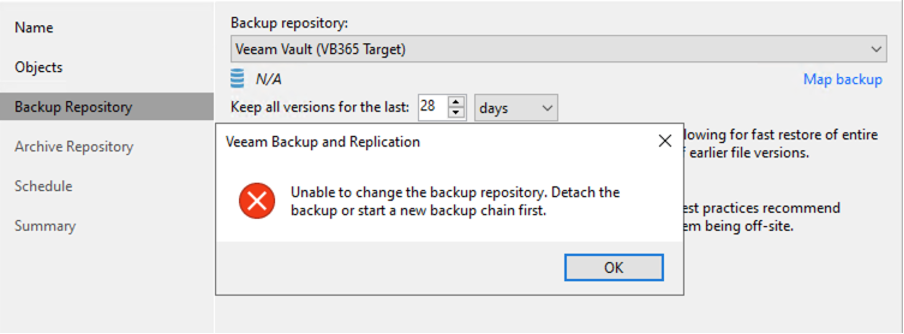
When I tried to change the repository in the job to Azure Blob, I encountered an error requiring me to detach the chain. I did this from the Object Storage node under Backups. While detaching, I received a warning stating that a full backup will be required the next time we run the backup pointing to the new object storage.
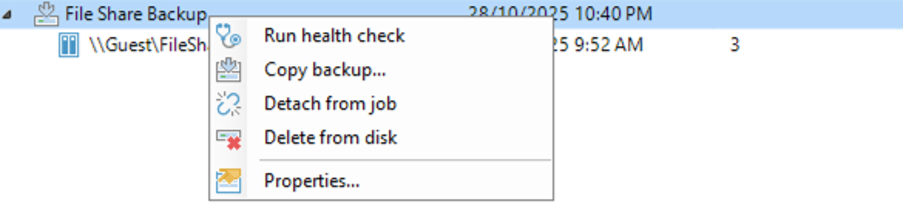
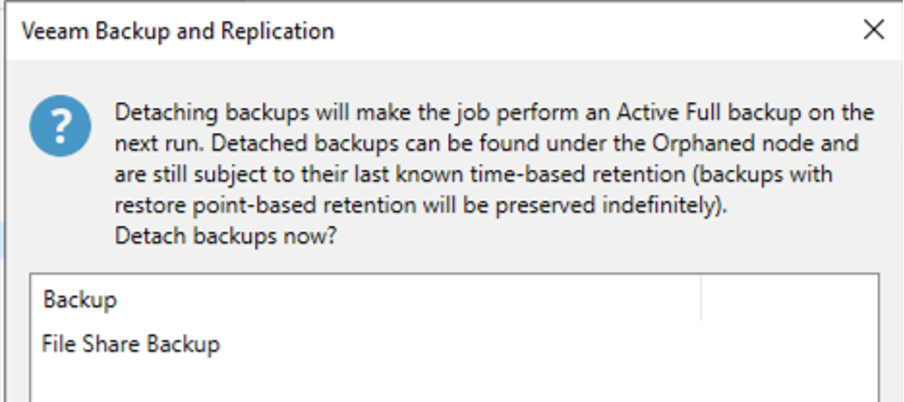
Now once I performed the detach, the restore points moved into the Object storage (orphaned) node.

Copy & Map the backup chain
Now that the backup chain is detached, I right-clicked the chain and initiated the copy, selecting my target Azure Blob (the new target for my backup). This copied the entire backup chain across.
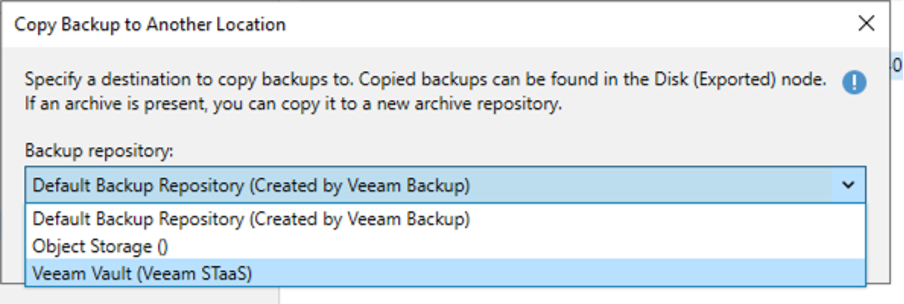
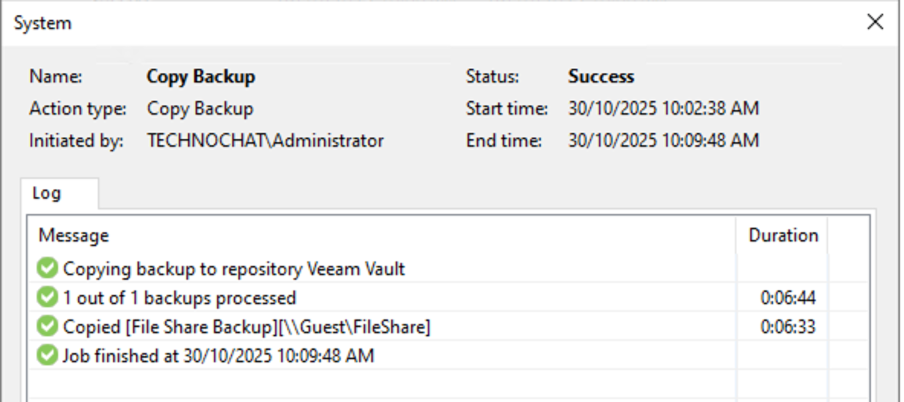
Once this copy operation concluded, the backup chain moved from Object storage (orphaned) to Object storage (exported).
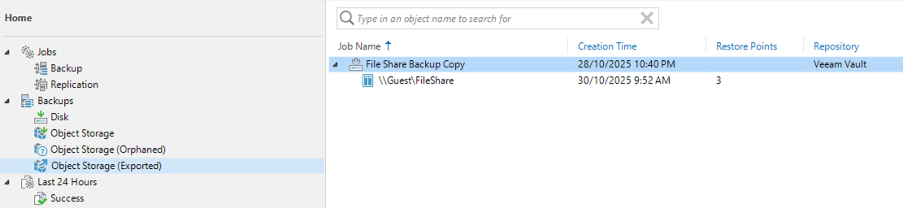
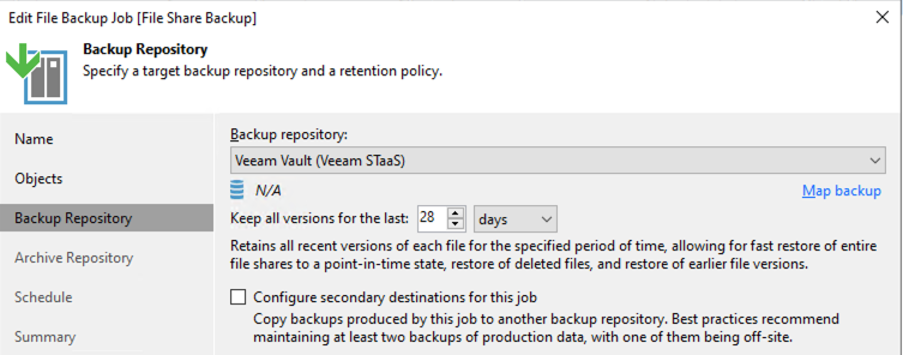
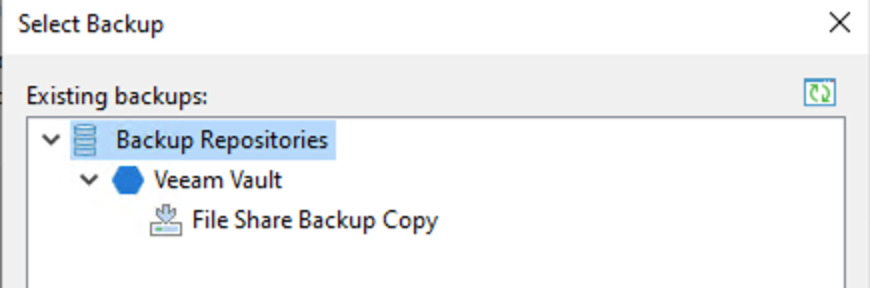
Now I can edit the job, change the repository to the new target object storage without encountering the detach error, and then map the backup chain to the job.
Triggering First backup after move
Now that we have migrated and mapped everything, I added two more files to the same share, expecting that only the newly added files would be copied.
And we have a winner!
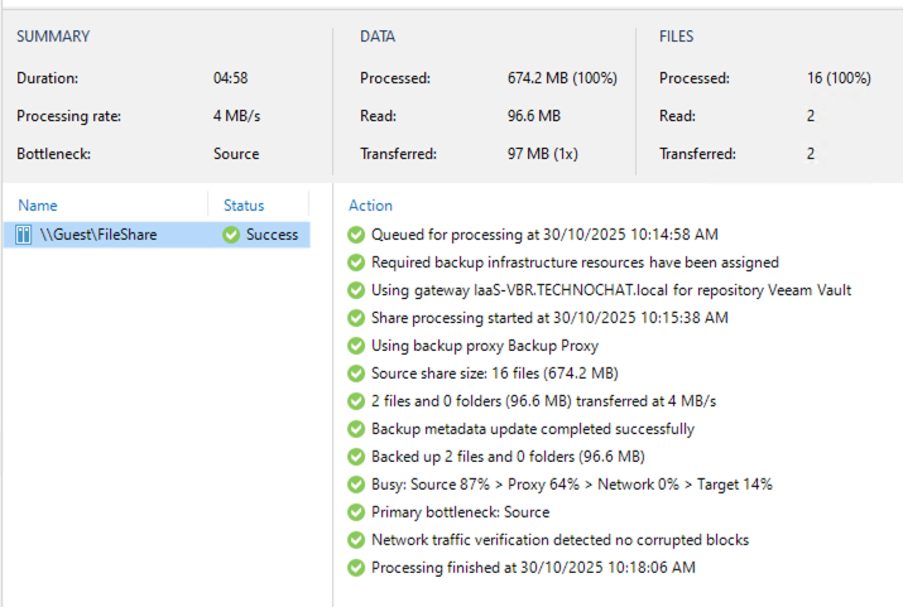
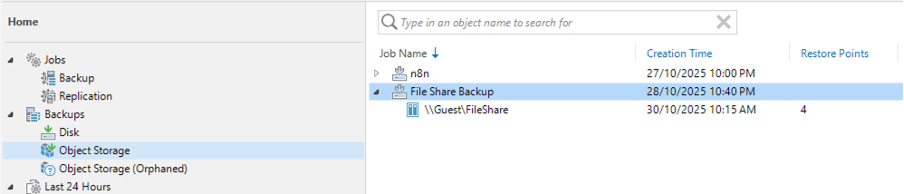
This means that the chain is continuing without a full backup. Please note that this is a copy, not a move, so the old restore points will still remain in the original object storage. Manual clearing of that data may be required and can only be performed after the immutability period, if you have that enabled—which is considered best practice.