
There are a ton of great additions to VSPC v9(9,1), but here I am focusing on the updates that will immediately add value for the partners I work with, especially around day-to-day operations, making life easier, and lowering the total cost of ownership.
Operational Ease
V13 appliances can now be managed right from the Veeam Service Provider Console. With Veeam software appliance (VSA) v13, you would have noticed the appliance has a proper web UI. These appliance can now be managed from VSPC with a much broader set of backup and restore operations including creating jobs (Hyper-V, VCD, vSphere, Backup Copies) and running restores (entire VMs or guest files).
HA Awareness
One more for appliance: As you might know, V13 appliance can now run in HA (High Availability) mode, which is active-passive. To accustom to this change, service provider console is V13 HA-aware. So typically when we add a primary node of the HA to service provider console, it will auto-detect it as a part of HA and will prompt you to add the secondary node.


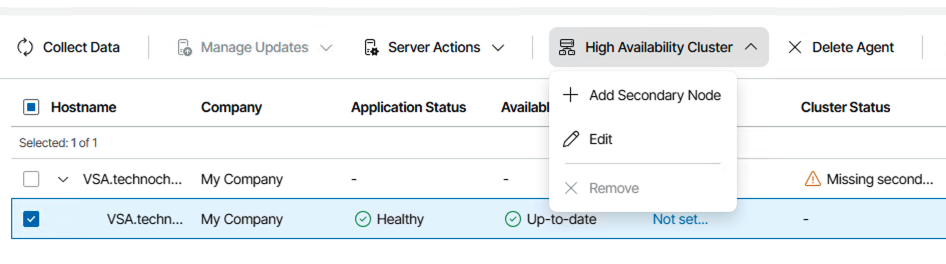
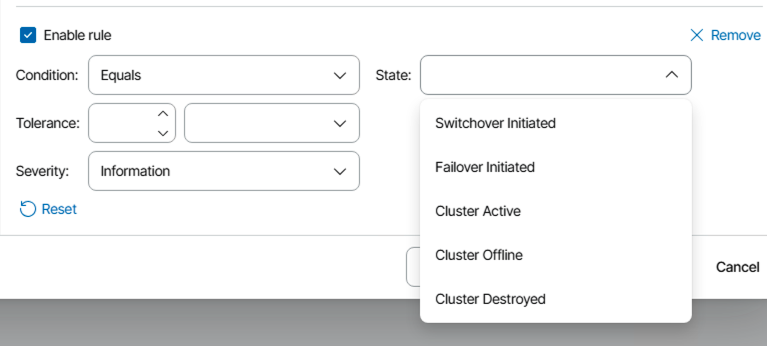
In addition to this, VSPC got a built in alarm so we can get a clear notification if a host is part of an HA cluster. This makes it a lot easier to set up, monitor, and maintain HA clusters, right from the console.

Company Management
Previously, you needed a Veeam Cloud Connect server for almost every scenario. Now, with VSPC v9.1 (actually this is a v9 feature which was had very short spotlight time), you can support IaaS data protection (private cloud data protection) without requiring a separate Cloud Connect server, which is a big win for both simplicity and cost.
To be able to achieve this, the company creation process is now broken into services and configurations are now different. Generally there are two terminologies: Company and tenant & historically they both were same where company is a VCSP term and tenant is a cloud connect term. With v9.1 (v9), they have a distinct meaning now. This is now a one to many relationship where a single company can have multiple tenants.
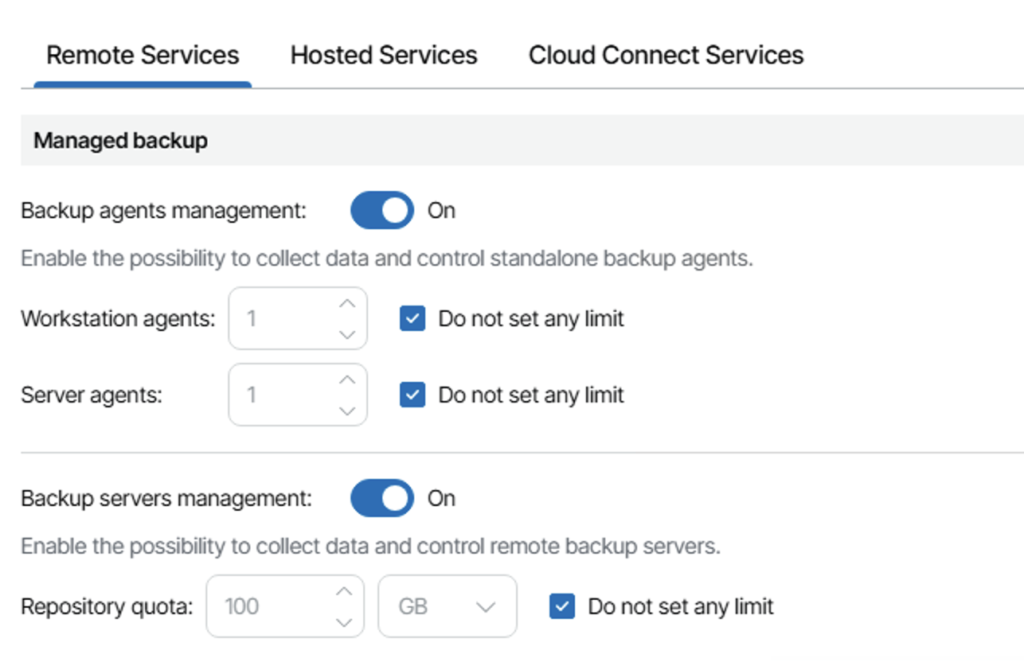
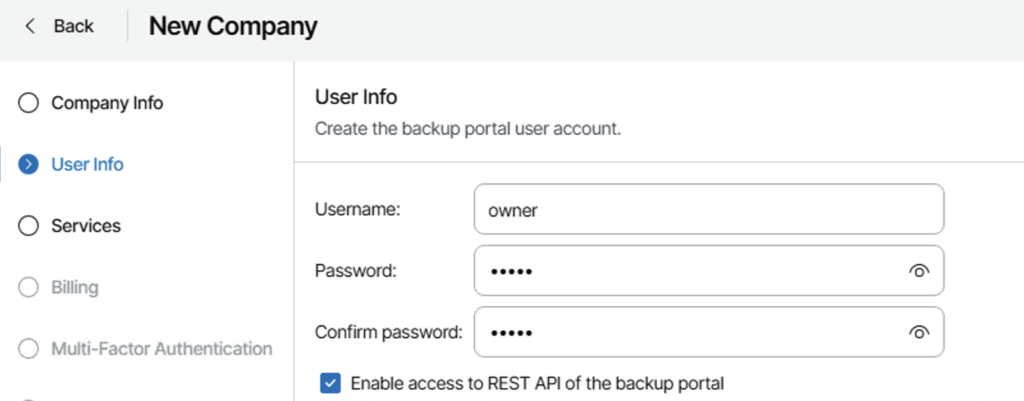
When you create a company, the user set up during creation is just for accessing the service provider console – tenant accounts are what we use for other operations like connecting remote VBR to service provider, repository access while using managed agents etc.You will then map tenants to company.
For customers/tenants with multiple sites or remote offices, you can now manage them all under a single company and assign separate tenants as needed. This is way cleaner for management and cuts down on duplicate configs. This brings us to the next topic – Cloud connect plugin.
Cloud Connect Plugin
The new Cloud Connect plugin in the service provider console where all the tenant management happen. It lets you add Cloud Connect, create tenant users, and allocate BaaS/DraaS resources right from one place. No more jumping between consoles or tools. Plus, deployments are simpler and more consistent.
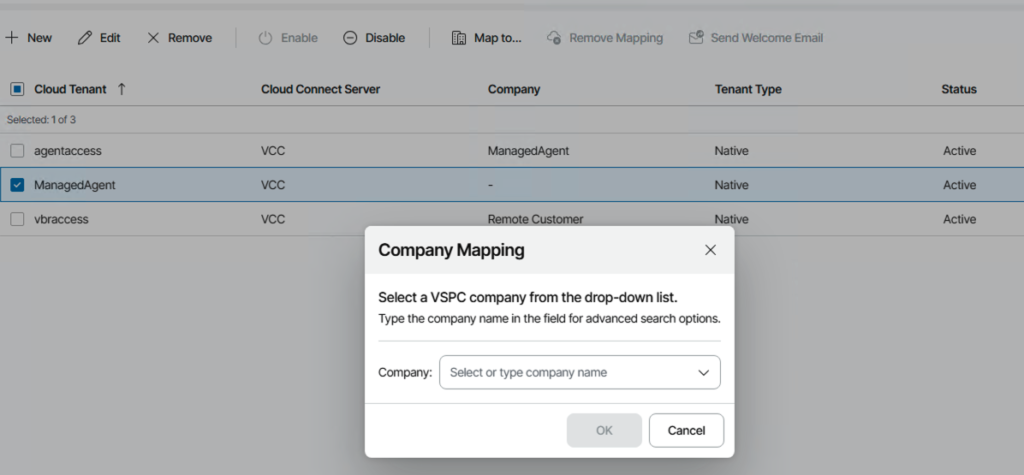
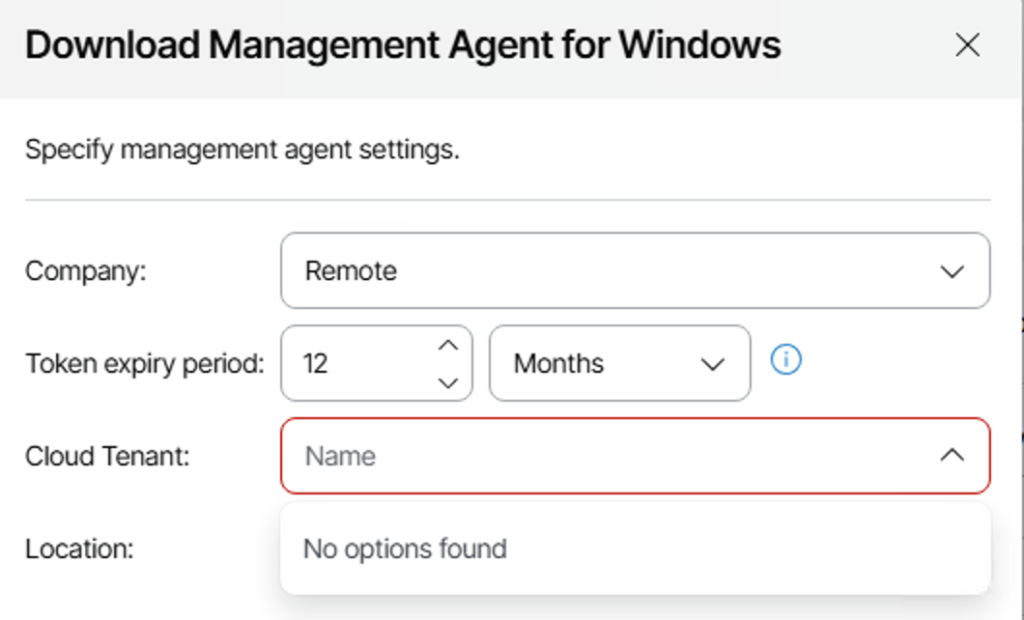
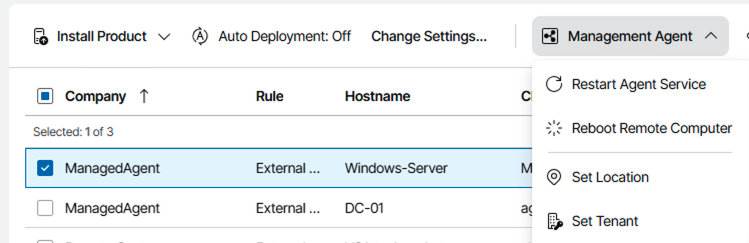
While adding a management agent to a workload to connect to VSPC, the agent needs to have both company and tenant assigned & you can reassign a tenant using “Set tenant” option.
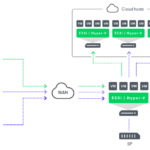
As always, to be able to add cloud connect, we still need cloud gateways. With v13 we can now deploy Cloud Gateways using Veeam Infrastructure appliance which runs on linux, making setup faster, cheaper and consistent.
API Keys Management
VSPC makes its REST API available through a secure HTTPS endpoint. Instead of using a traditional username and password, authentication relies on API keys. When you generate a key, VSPC provides a private key value that should be copied and stored securely, since it’s displayed only once. This private key serves as your authentication token for REST calls – how you pass it may vary depending on your client or integration, but essentially, it’s your secret API credential.
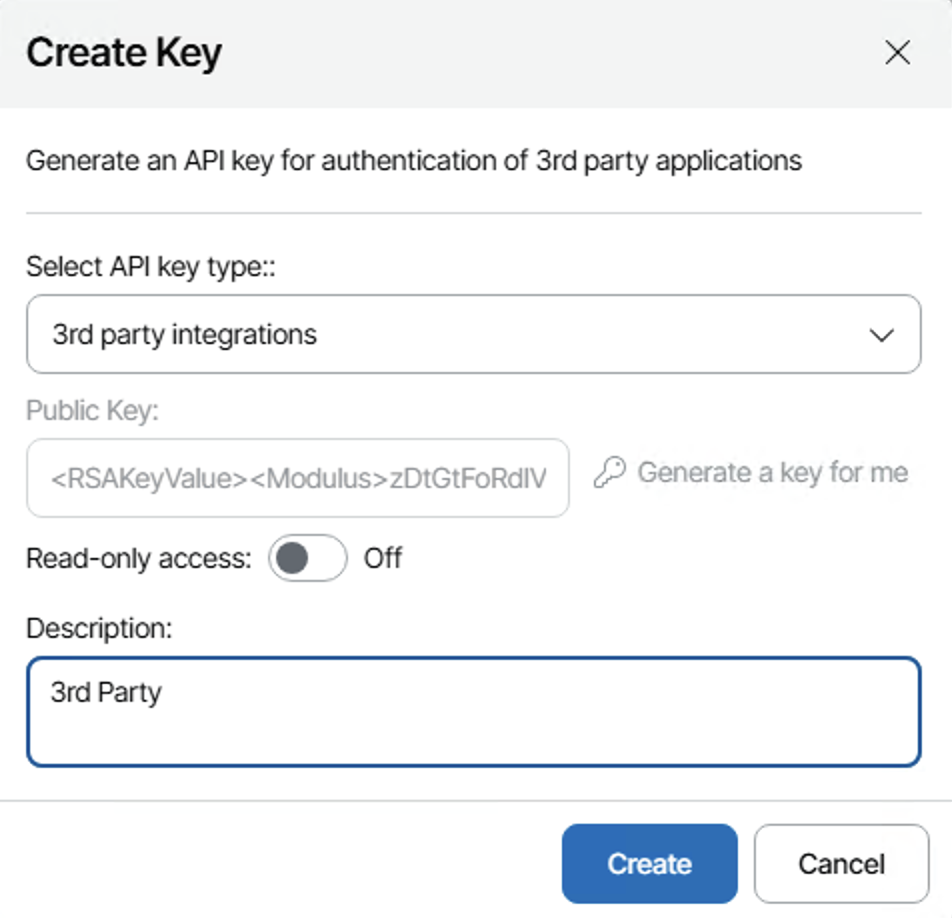
VSPC also offers an Advanced Key option, which creates a key pair consisting of both public and private keys. The private key continues to act as your authentication credential, while the public key works as an identifier for third-party apps, helping them recognize which integration or client is in use without revealing the secret itself. Typically, the UI handles the public key behind the scenes, so you’ll mostly interact with the private key for day-to-day API access.
API keys can be designated as read-only, which is especially useful for enabling monitoring, reporting, or other non-destructive actions, while keeping backups and configuration safe from changes.
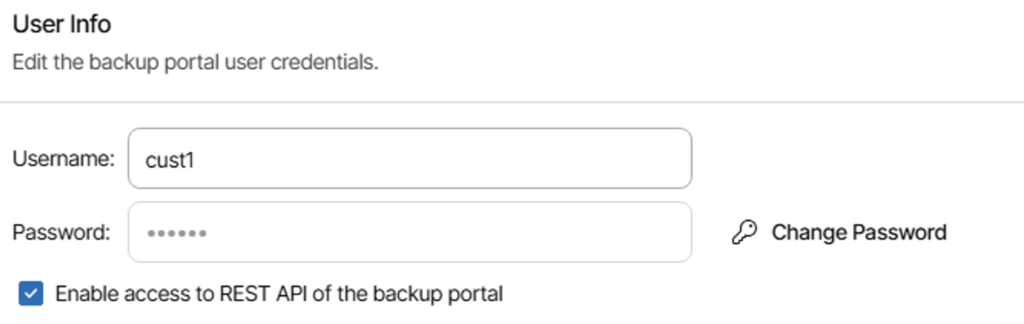
Additionally, REST API access is controlled by the service provider on a per-company basis. If access is disabled, all keys for that company are temporarily inactive until it’s re-enabled.
The crypto side is actually simpler than it first looks. The public/private key pair of the Advanced Key is about identification and authentication at the application level, not about encrypting the HTTP body itself. The actual encryption of traffic between your integration and VSPC happens at the TLS layer, where the TLS handshake negotiates a session key and then encrypts all REST traffic over that secure channel.
Managing VeeamONE
VeeamONE management is further enhanced by integrating it with Veeam Service Provider Console, which allows service providers to monitor and manage VeeamONE centrally, including handling upgrade workflows from the console rather than touching each VeeamONE server individually.

Test Failover
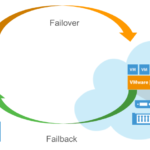
As some of you may know, service providers have previously used the Cloud Connect Portal, especially for DRaaS use cases. Now that the Service Provider Console serves as a unified management interface, the Cloud Connect Portal has been deprecated, as actions like starting and undoing failover plans were already available in VSPC.
Starting with version 9.1, an additional option to test a failover plan has been added to the console, giving both tenants (via self‑service) and service providers the ability to perform failover testing.
All in all, VSPC v9.1 brings a host of practical upgrades that make managing V13 environments simpler, safer, and more efficient. These changes help partners streamline day to day operations and deliver great value to customers.